Eidetic 2
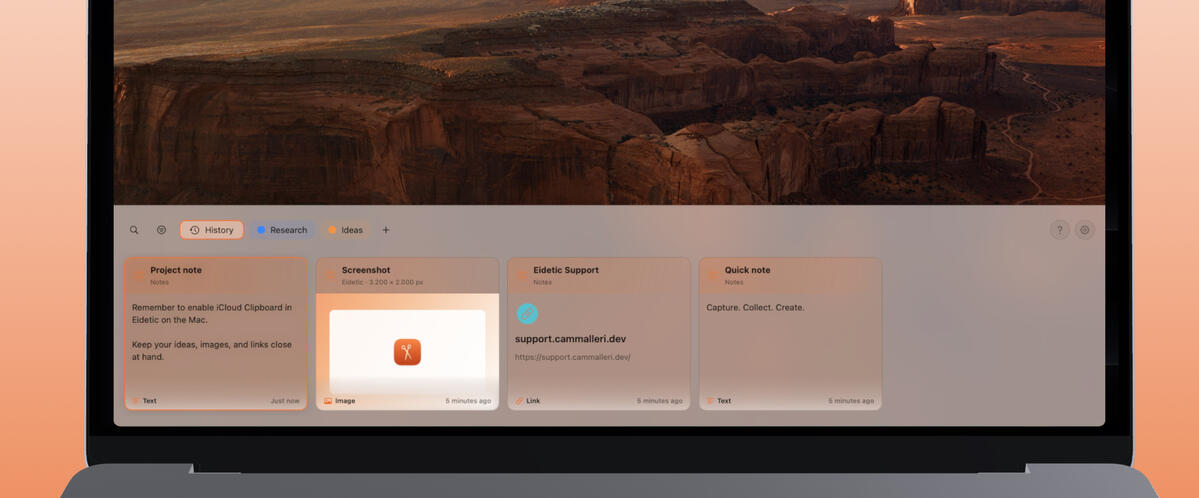
Clipboard History
A clipboard history bar that blends in with macOS, ready for text and captures!
Eidetic 2
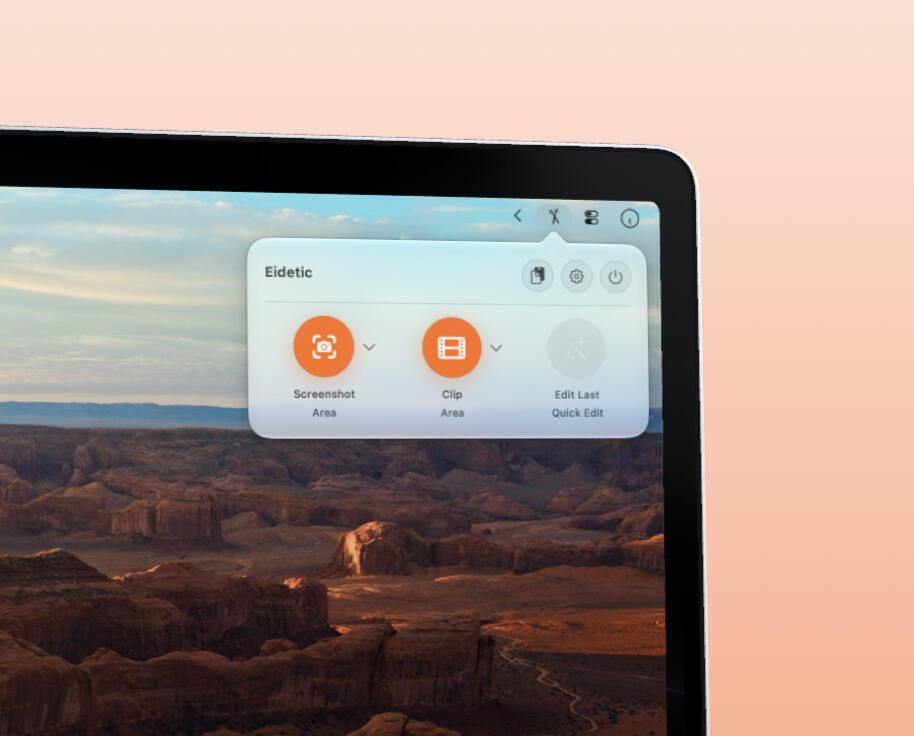
Clipboard Manager with Capture
Create clips & screenshots! Capture anytime from the menu bar. ✂
Eidetic 2
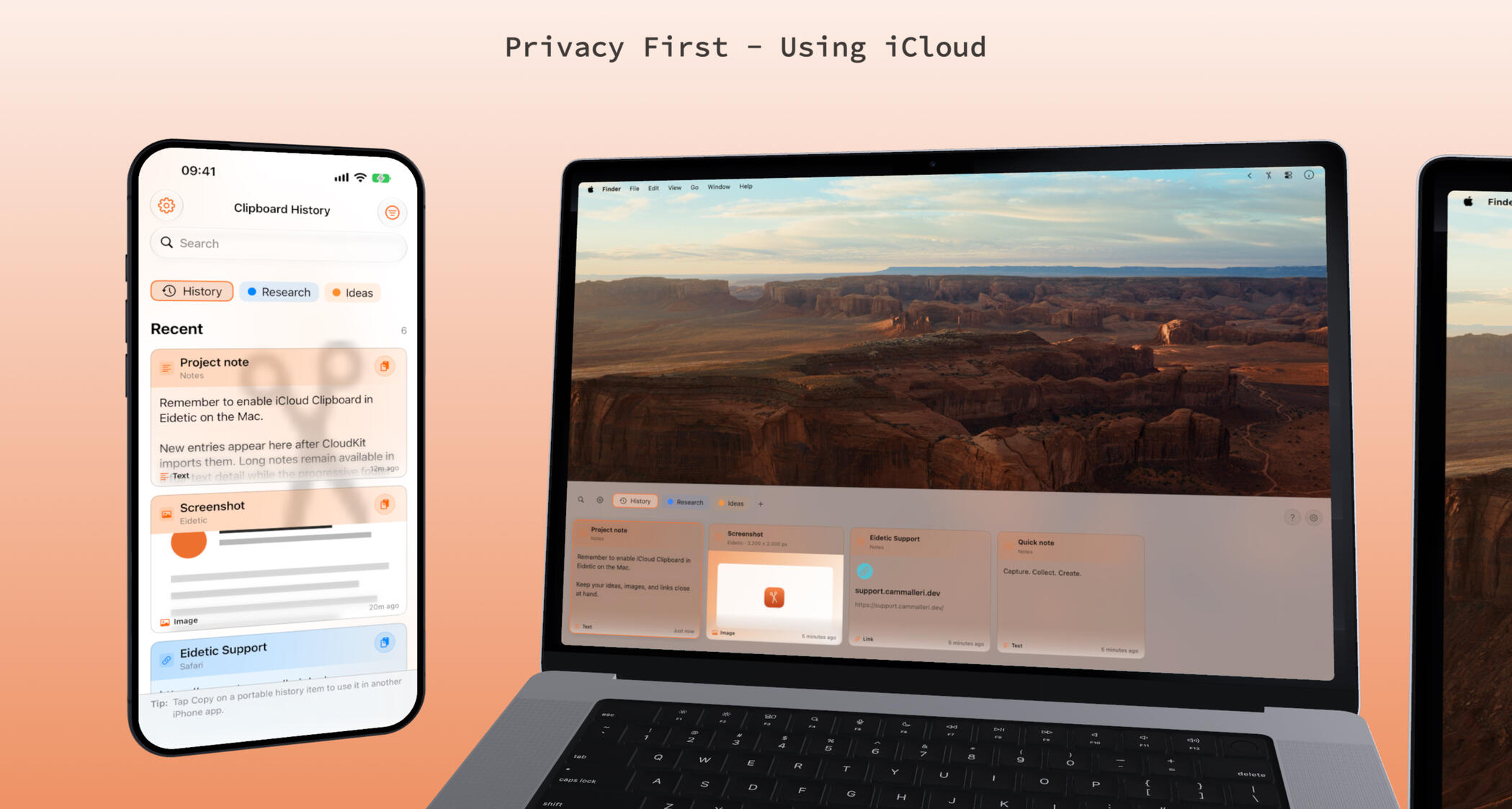
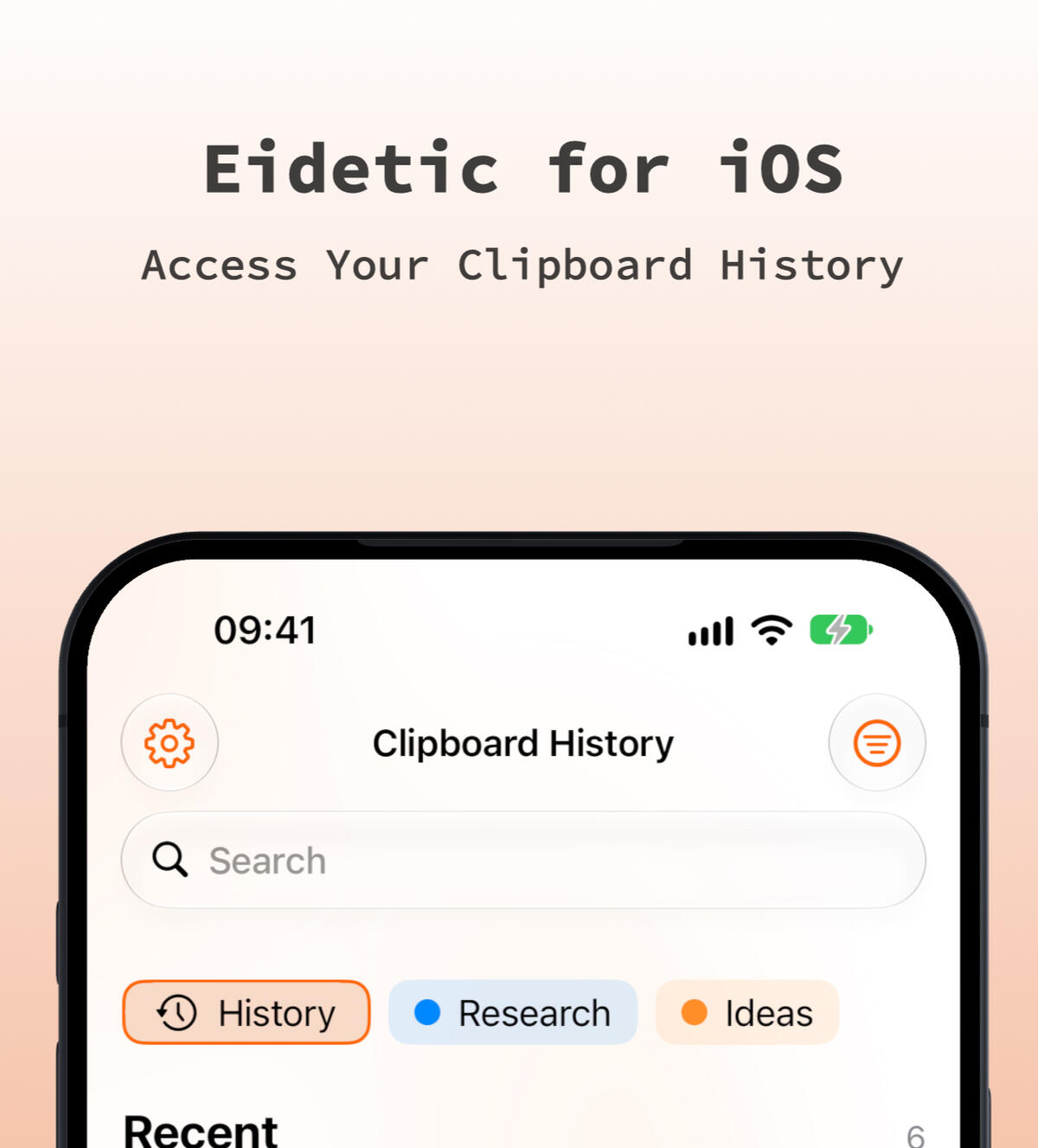
Clipboard History & Sync
Eidetic keeps your clipboard history in sync between iOS and macOS using iCloud.
Well Organized Settings!
Take screenshots & clips into your clipboard history, ready to post.
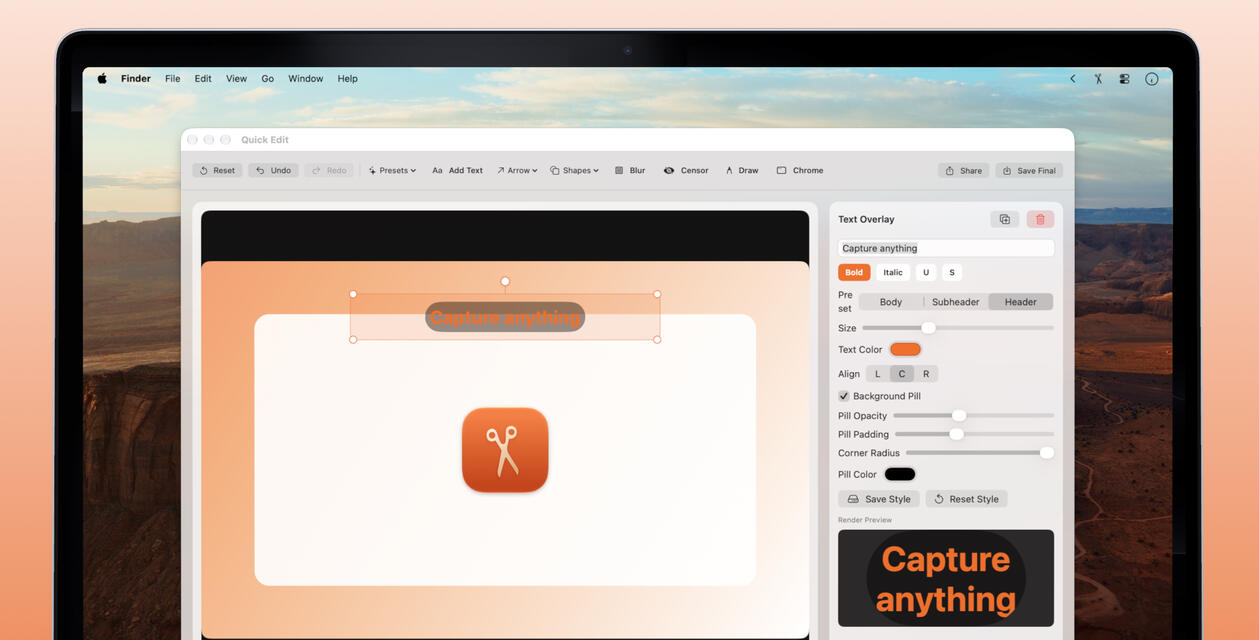
Quick Edit Annotate
Quick Edit after capture, add annotations like arrows or text!
10+ Years On the App Store
Trusted screenshot capture tool since 2015.
Eidetic 2
Privacy First Clipboard Management
Always have access to your clipboard history, no third party involved. iCloud only.

Quick Edit
Quick Edit, allows to add text and arrows to captures! Edit before sharing.
Arrows, Shapes and Labeling
You can add shapes, arrows and blur out parts of your clips and screenshots.
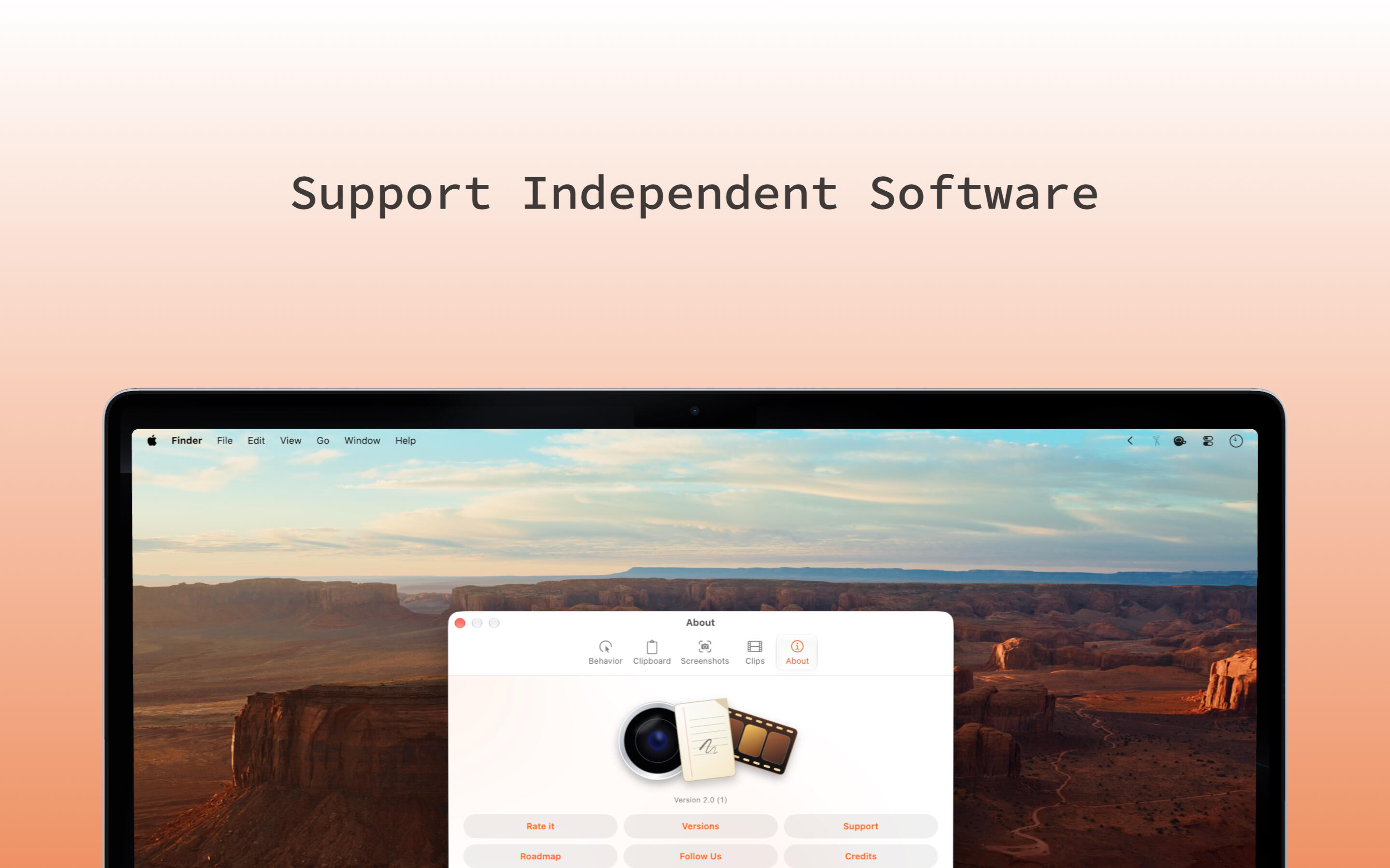
Support Independent Apps
Use Eidetic for free, unlimited history, Quick Edit, and sync are paid features.
Eidetic 2
Eidetic 2 on TestFlight
Quick Edit and the new design are on TestFlight, try it on your Mac and iPhone.